Convert Spotify Ogg songs to MP3


TuneSolo
Spotify Music Converter
An easy and efficient Spotify Music Converter optimized for high-quality conversion. Download, extract, and convert Spotify songs to MP3, M4A, WAV, FLAC, AIFF, AAC, and ALAC audio nearly lossless.
- Download Spotify songs, albums, playlists, podcasts, etc.
- Retain 100% lossless audio quality of Spotify tracks
- 大量轉換 Spotify Music,速度提升 35 倍
- Save music with customized quality up to 320kbps and 48kHz
- 完好保留所有原始ID3標籤和元資料資訊
- Compatible with both Spotify free and Premium accounts
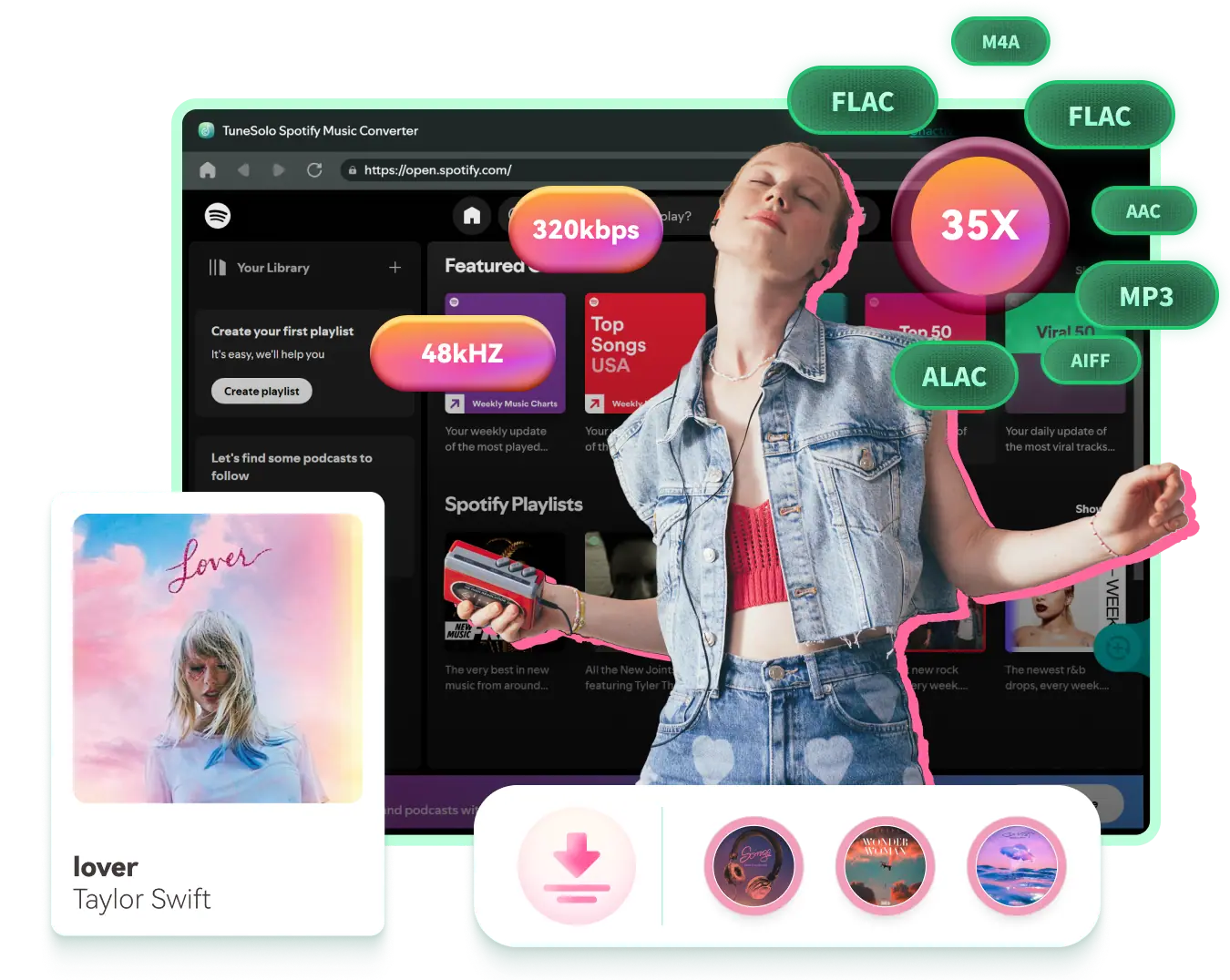
Effortlessly Convert Spotify to Common Formats in Original Quality
看看它怎麼起作用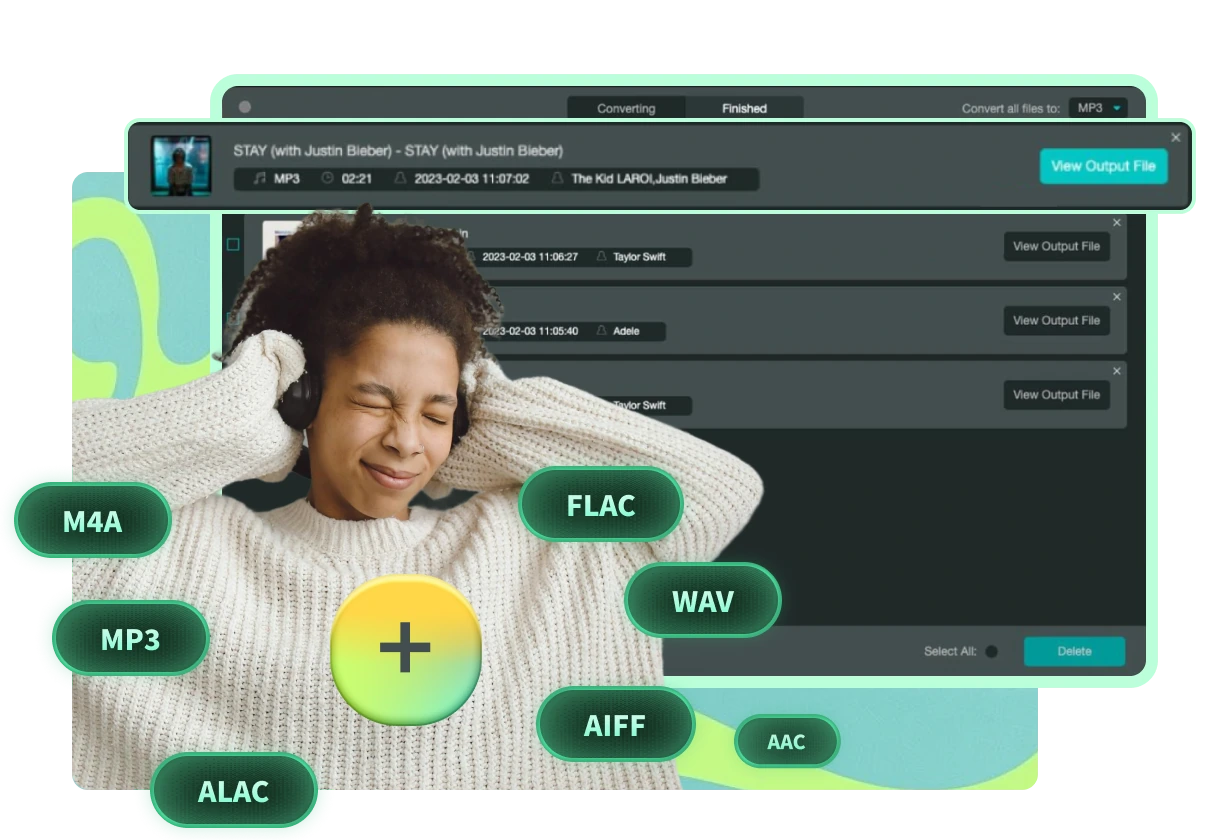
包含的輸出格式:MP3、M4A、WAV、FLAC、AIFF、AAC、ALAC
Downloads from Spotify Premium are in OGG Vorbis format which can only be recognized by its official app. TuneSolo Spotify Music Converter provides more common format options than online Spotify downloaders, which normally support MP3 only.
Diverse DRM-free output formats can be exported via TuneSolo, including MP3, M4A, 後手、WAV、AIFF、AAC 和 ALAC。使用普通格式的歌曲,您可以輕鬆地分享、編輯或傳輸它們。
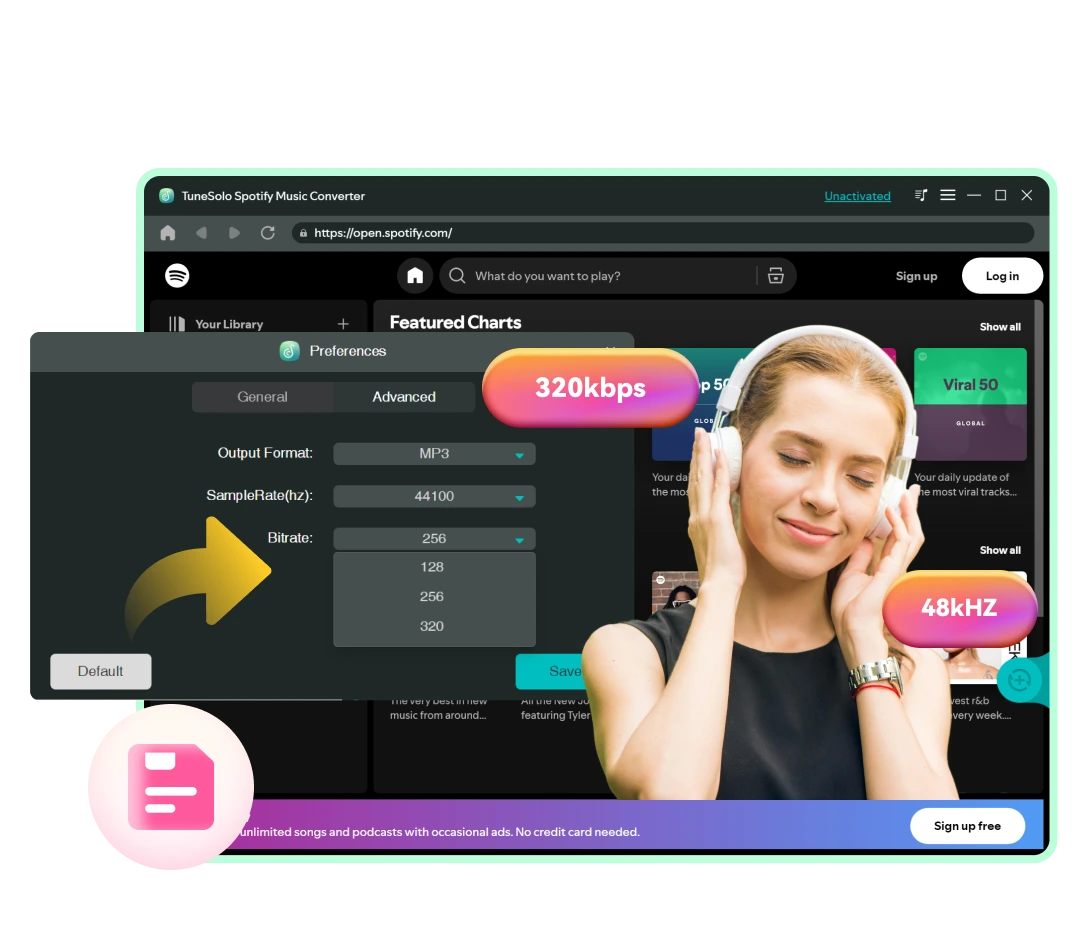
最佳音訊品質:以原始品質儲存歌曲或對其進行自訂
Besides ease of use and efficiency, TuneSolo Spotify Music Converter can preserve high audio quality after conversion. Unlike online Spotify downloaders or Spotify recorders, which can degrade sound quality due to the recording nature, TuneSolo maintains the original music quality in converted audio.
To download Spotify Music in high quality, you can change the quality setting to 320kbps, 48000hz in MP3. If you need audio in lossless quality, output it in WAV or FLAC.
Download Any Type of Audio Content from Spotify Losslessly
This Spotify Music Converter lets both users of Spotify Free and Spotify Premium quickly convert and download any type of audio content from Spotify.


Your Go-to Spotify Converter with Superior 35X Faster Download Experience
TuneSolo Spotify Music Converter 讓您能夠以閃電般的轉換速度輕鬆完成下載任務。

Download Spotify Songs at Least 35X Faster Speed

Embedded Spotify Web Player Available

拖放式簡化操作
令人印象深刻的 ID3 標籤保存和個人化下載管理
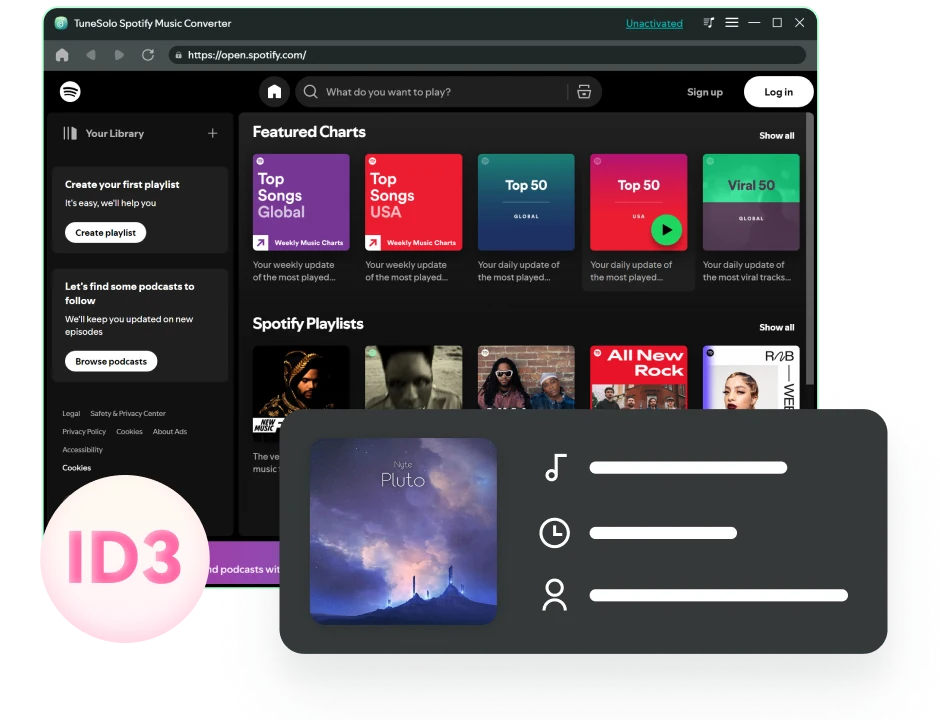
保留原始音樂元資料和 ID3 標籤
To better manage and organize your music collection, this Spotify converter can smartly identify the original ID3 tags of your added online music. This function is much more convenient than using an audio recorder, which requires manually setting up metadata for audio files.
使用 TuneSolo,歌曲詳情(包括標題、藝術家、曲目 ID 和專輯封面)在轉換後可以完整顯示並保留。在 iPod Shuffle、車用播放器或其他離線設備上播放時,歌曲資訊可以清楚地顯示在螢幕上。
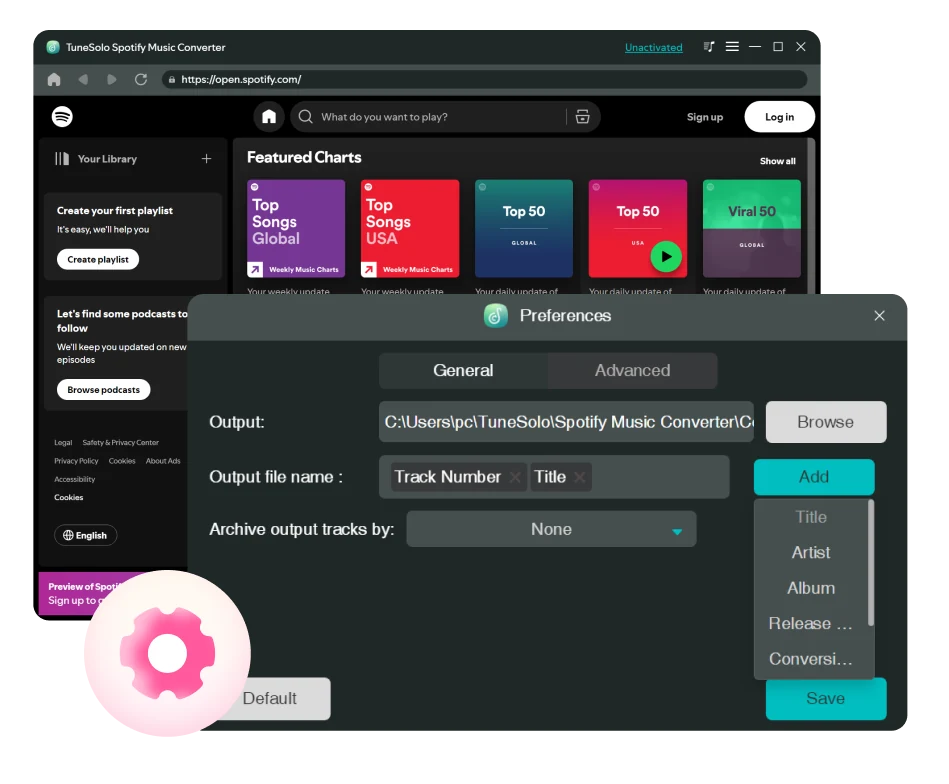
自訂音訊檔案標題和檔案夾存檔的輸出預設
Better yet, this program also enables you to preset the file title for the downloaded audio by ID3 tags such as song title, artist, album, etc. to classify your Spotify downloads.
此外,該音樂下載器還能夠根據您在偏好設定中預設的規則,自動將您下載的歌曲存檔在預設資料夾、播放清單、藝術家、專輯等。
有了這些功能,您不再需要手動將下載的歌曲一首一首整理!
使用 TuneSolo Spotify Music Converter 的好處
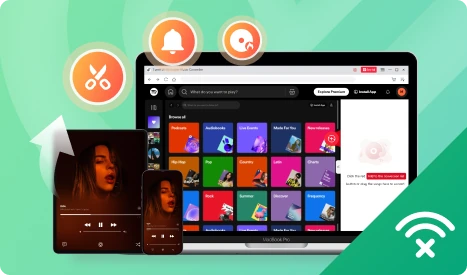
在多個裝置上享受 Spotify Music 或靈活使用它們
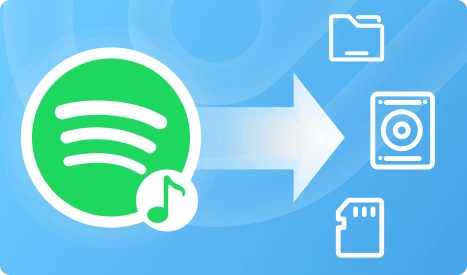
永久免費將 Spotify Music 儲存到儲存設備
額外功能創造非凡
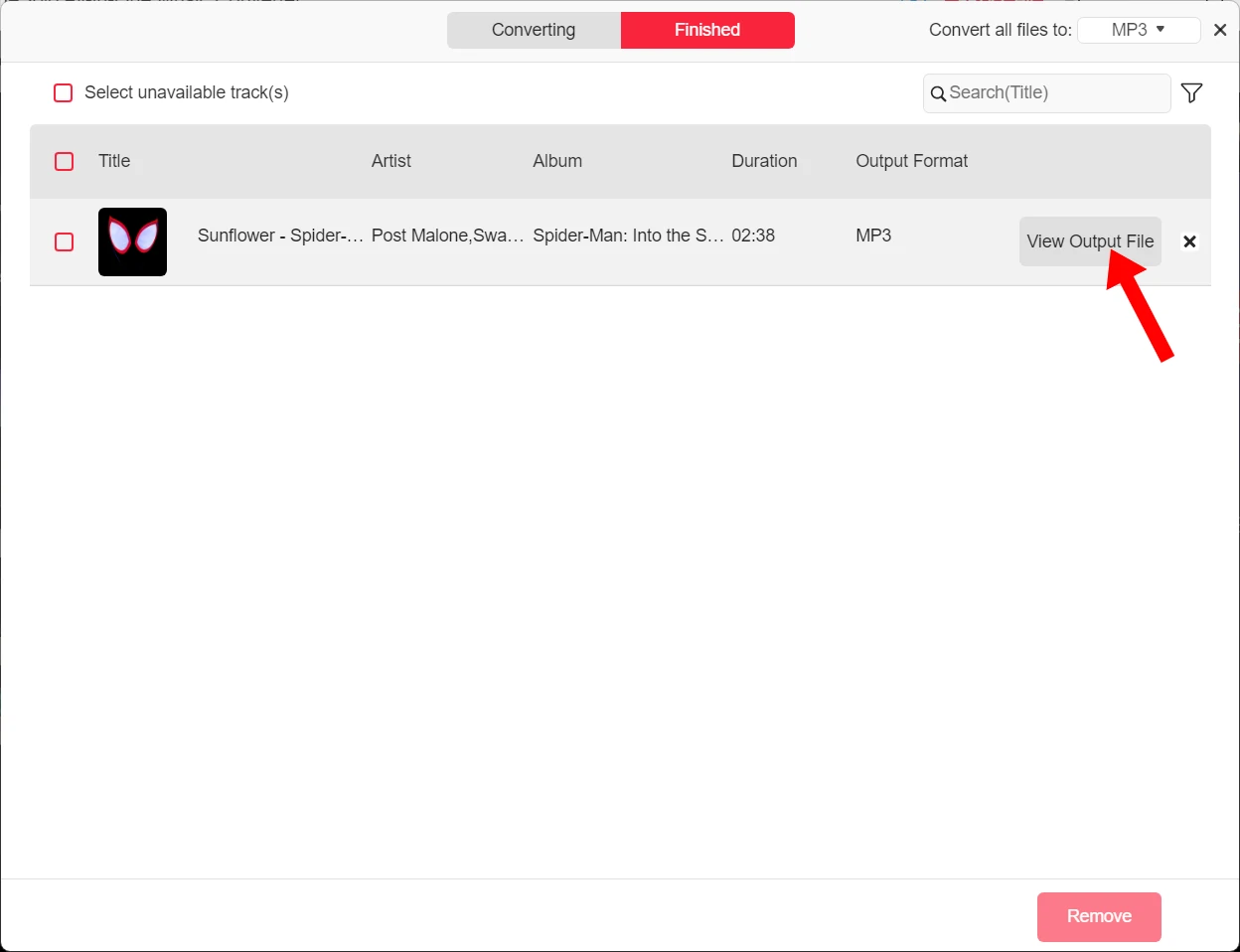
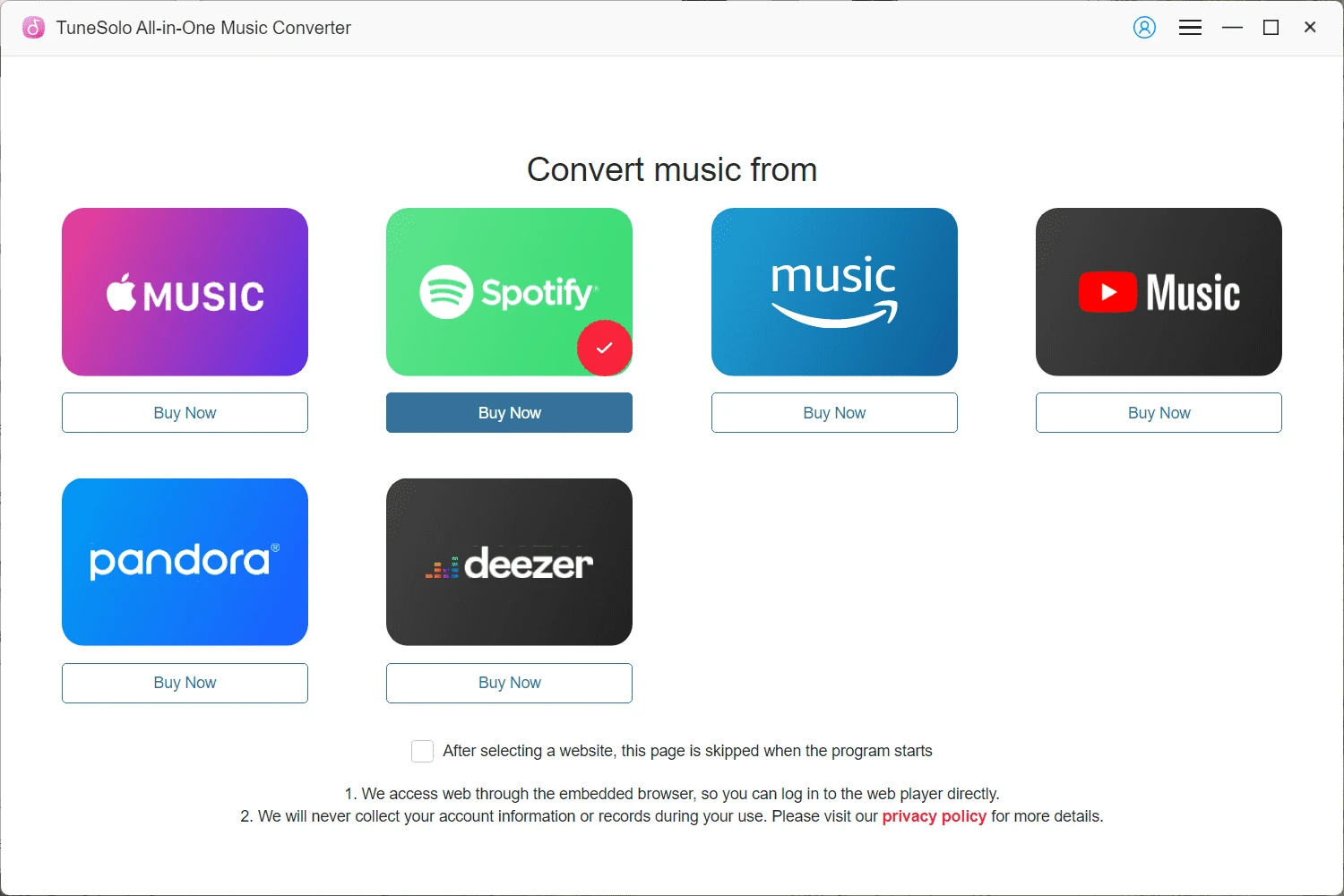
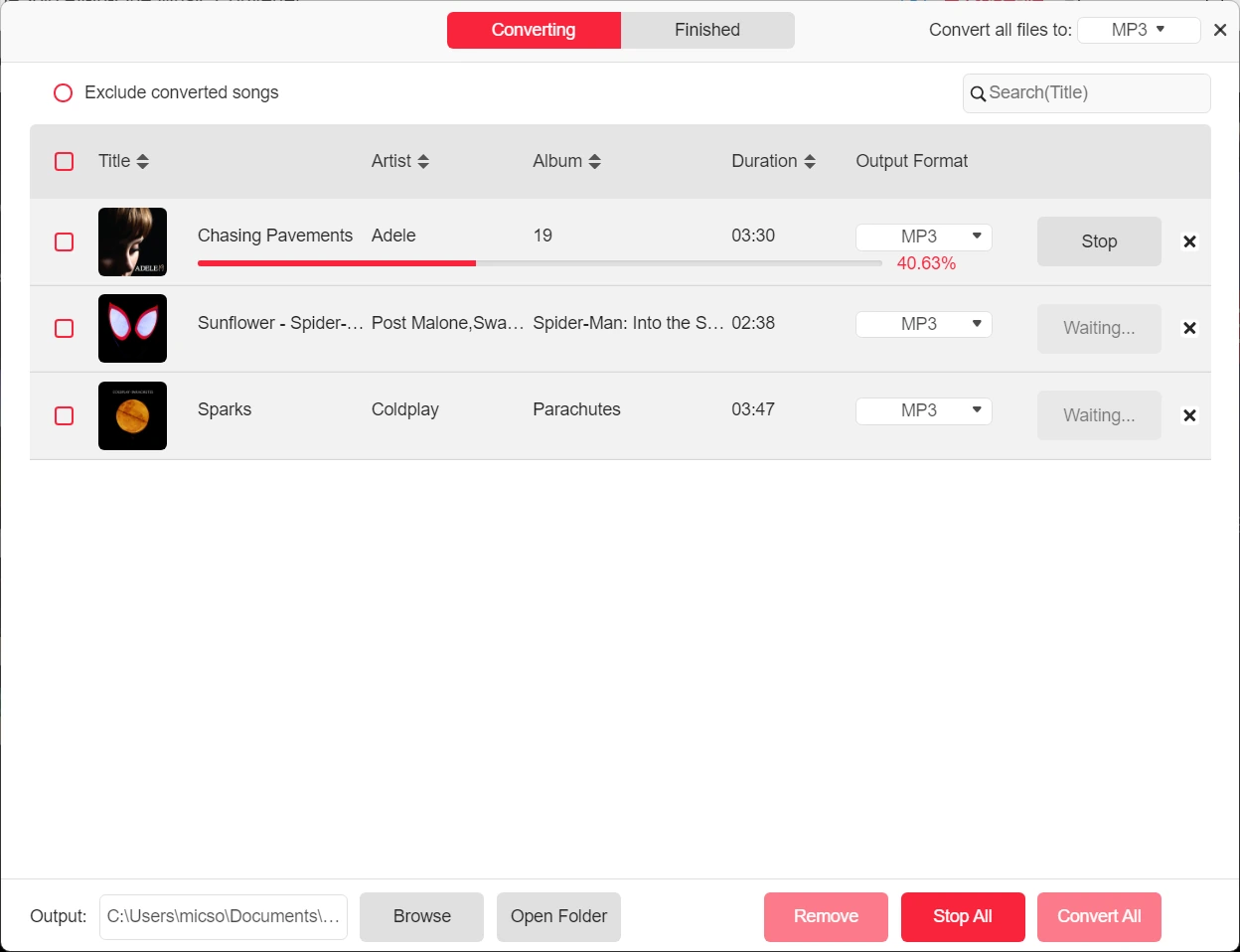
免費試用版 VS 完整版
| 產品特性 | 免費試用 | 完整版 |
|---|---|---|
| 時間限制 | 為期30天 | 取決於你的計劃 |
| Length for Each Spotify Audio Conversion | 每首歌的前3分鐘 | 無限量 |
| 誰可以使用它 | Spotify Free and Premium Users | Spotify Free and Premium Users |
| Convert Spotify to MP3, M4A, WAV, FLAC, AIFF, AAC, and ALAC | ||
| 下載 Spotify 歌曲 | ||
| Download Spotify Playlists | ||
| Download Spotify Albums | ||
| Download Spotify Podcasts | ||
| Download Spotify Audiobooks | ||
| 無損音質 | ||
| 自訂位元率和取樣率 | ||
| 35X更快的轉換速度 | ||
| 批量下載 | ||
| ID3 標籤保存 | ||
| 音訊檔案標題預設 | ||
| 自動輸出音訊檔案存檔 |
熱門文章和提示
熱門文章
來自 100 多位業界專家的信任
常見問題
01 免費試用版有哪些限制?
02 如何啟動 TuneSolo Spotify Music Converter?
03 我可以將授權轉移到另一台電腦嗎?
04 TuneSolo 音樂轉換器支援哪些轉換速度?
05 如何下載無損音質的 Spotify Music?
To save your Spotify downloads in lossless quality, you can choose the output format as FLAC or M4A(ALAC). FLAC is compatible with most devices and players with a larger file size, and M4A file with ALAC codec is more commonly used on Apple devices or APPs.
If you want to save Spotify Music in MP3, but preserve nearly lossless quality, it is advisable to set the parameters to match the original Spotify bitrate up to 320kbps and the sample rate to 44100Hz.
06 Where are the downloaded Spotify songs saved?
07 Can I download Spotify songs to MP3 with Spotify free accounts?
08 TuneSolo Spotify Music Converter 安全嗎?
今天就試試 TuneSolo Spotify Music Converter
Freely install TuneSolo Music Converter to batch convert Spotify playlist to MP3 with great sound quality, 35X faster speed, and secure performance to bring free to your Spotify Music journey!